You found this page because something feels off, and you want to know how to find hidden dating apps on an Android phone. Here is the direct answer: go to Settings > Apps > See All Apps to view every installed application — including ones hidden from the home screen and app drawer. But that is just one of ten methods we cover below.
The scale of this problem is real. A HighSpeedInternet.com survey found that 1 in 4 Americans admitted to using dating apps while in a committed relationship. Android's open ecosystem makes hiding apps especially easy, with built-in features like Samsung's Secure Folder and Android 15's Private Space designed specifically to keep apps out of sight.
This guide walks you through every Android-specific method for uncovering hidden dating apps on a phone — from checking the app drawer to reviewing notification logs and Google Play history. Each method includes exact steps, what to look for, and what the results actually mean.
If you want to skip the phone search entirely and check whether someone has active dating profiles online, CheatScanX scans 15+ dating platforms using just a name, email, or phone number — no device access required.
Why People Hide Dating Apps on Android
Before getting into the technical methods, it helps to understand why dating apps get hidden in the first place. The reasons range from privacy-conscious to deliberately deceptive.
According to Pew Research Center, 30% of U.S. adults have used a dating site or app. Among those users, a significant percentage are not single. Research cited by Axeligence indicates that roughly 40% of dating app users in the United States are already in committed relationships.
Deliberate Concealment
Some people hide dating apps because they are actively cheating and do not want to get caught. They move apps into hidden folders, use disguised vault apps, or install dating platforms inside Android's Private Space where the apps produce no visible notifications.
Our analysis of dating app cheating statistics shows a consistent pattern: people who maintain secret dating profiles often take multiple steps to cover their tracks digitally, not just one.
Privacy and Embarrassment
Not every hidden dating app signals cheating. Some people feel embarrassed about online dating and hide apps from coworkers or friends who might glance at their phone. Others are newly single and not ready to announce it. A few are in open relationships but keep things private.
The distinction matters because it affects how you interpret what you find. A hidden Bumble app on a single person's phone means something very different than a hidden Ashley Madison app on a married person's phone.
The Android Advantage for Hiding
Android is more permissive than iOS for hiding apps. iPhone users need workarounds, but Android offers multiple built-in methods:
- App drawer hiding on Samsung, OnePlus, and Xiaomi launchers
- Samsung Secure Folder — an encrypted, password-protected space
- Android 15 Private Space — a completely isolated app environment
- Third-party launchers like Nova Launcher with built-in hide features
- Sideloading apps from outside the Google Play Store
This is why Android-specific methods matter. The detection approach is different from iPhone, and there are more places to look.
CheatScanX scans all of these platforms — and more — in a single search. Enter a name, email, or phone number and get results in minutes.
Try a multi-platform search ->How Android Makes It Easy to Hide Apps
Understanding the hiding methods helps you know exactly where to search. Android provides several built-in features that can be used to conceal dating apps, and each one requires a different detection approach.
Samsung One UI: Hidden Apps and Secure Folder
Samsung phones running One UI have a dedicated "Hide apps" feature. Long-press any empty space on the home screen, tap Settings, then Hide apps on Home and Apps screens. Any app selected here vanishes from both the home screen and the app drawer.
Samsung also includes Secure Folder, a Knox-encrypted container that runs as a separate profile. Apps installed inside Secure Folder do not appear in the main app list, and their notifications can be set to show only generic alerts. Secure Folder itself can be hidden from the app drawer and only accessed through Settings.
Android 15 Private Space
Google introduced Private Space in Android 15. This feature creates a completely isolated environment at the bottom of the app drawer, protected by a separate password or biometric lock. Apps in Private Space:
- Do not appear in the main app list
- Produce no notifications when locked
- Do not show in recent apps
- Can use a separate Google account
- Are invisible to other apps on the device
When Private Space is locked, there is zero visible trace of the apps inside it. This makes it one of the most effective hiding tools on any smartphone platform.
Third-Party Launchers
Apps like Nova Launcher (paid version) let users hide any app from the app drawer. The app remains installed and functional but simply does not appear when scrolling through apps. The user accesses it through a search gesture or a custom shortcut.
Sideloaded Apps
Android allows installing apps from sources outside the Google Play Store. These sideloaded apps will not appear in Google Play history at all. They can be downloaded as APK files from websites and installed directly. This is a method some people use to install dating apps that they do not want tied to their Google account.
You can check which apps have sideloading permission by going to Settings > Apps > Special App Access > Install Unknown Apps. Any app listed with "Allowed" has been granted permission to install other apps from outside the Play Store. Chrome, Firefox, or a file manager with this permission enabled is a sign that sideloading has occurred.
Knowing these hiding methods tells you exactly which detection methods to use. The ten methods below are ordered from simplest to most thorough.
Method 1 — Check the App Drawer and Home Screen
This is the fastest check and where most people start. It takes under two minutes.
Step-by-Step Instructions
- Swipe up from the home screen to open the app drawer
- Scroll through every page slowly — do not just glance
- Look for dating app icons you recognize: Tinder (flame), Bumble (yellow hexagon), Hinge (white H on rose), Grindr (orange mask), OkCupid (blue O)
- Check every folder — tap into each one and look at every app inside
- Look for unfamiliar apps with generic icons (calculators, notes, weather apps that seem out of place)
What to Look For
Pay attention to apps that seem duplicated. If there are two calculator apps and the phone only came with one, the extra could be a cheating app disguised as a game or utility.
Also check for apps with vague names like "Private Space," "Vault," "Locker," or "Secret." These are common names for apps designed to hide content, including other apps.
Limitations
This method only finds apps that are visible in the app drawer. Any app hidden through Samsung's hide feature, Secure Folder, Private Space, or a third-party launcher will not show up here. That is why you need the methods below.
Method 2 — Search All Installed Apps in Settings
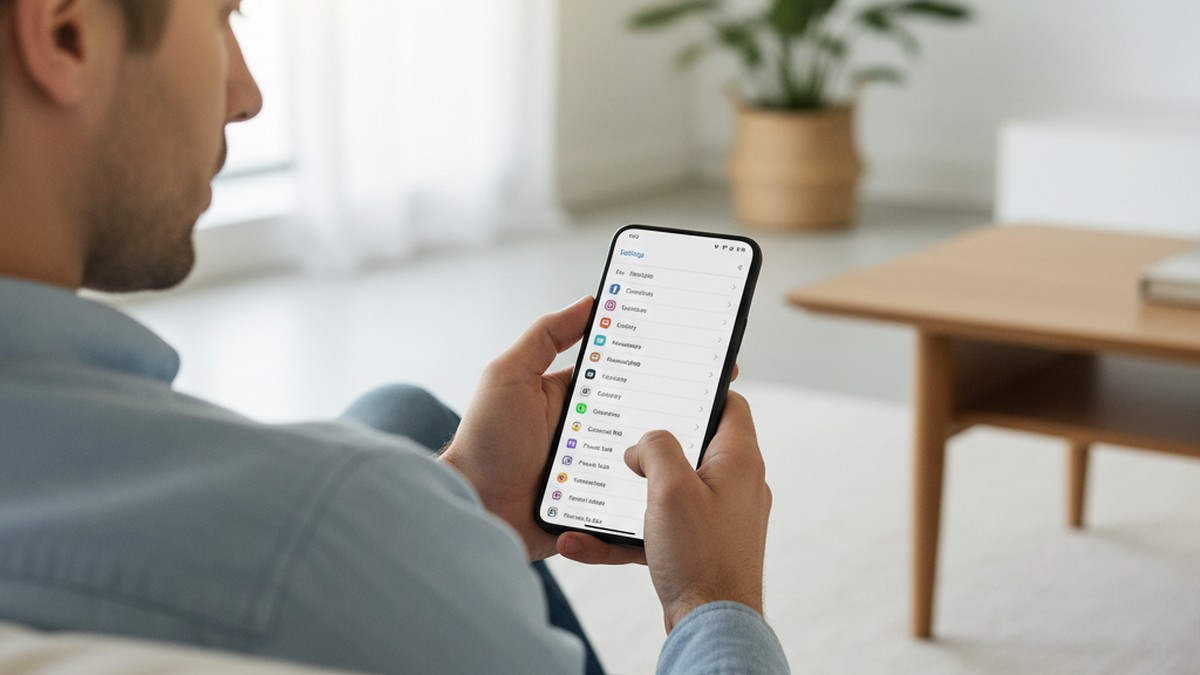
This is the single most reliable method for finding hidden apps on Android. The Settings app list shows every installed application regardless of whether it is hidden from the home screen or app drawer.
Step-by-Step Instructions
- Open Settings
- Tap Apps (or Apps & Notifications on older Android versions)
- Tap See All Apps (or App Info)
- Tap the three-dot menu in the top right corner
- Select Show System Apps if that option is available
- Scroll through the complete list
What to Look For
The list is alphabetical. Scan for any of these dating app names:
| App Name | What It Is |
|---|---|
| Tinder | Most popular dating app globally |
| Bumble | Dating app where women message first |
| Hinge | "Designed to be deleted" dating app |
| Grindr | LGBTQ+ dating and social app |
| OkCupid | Long-form profile dating app |
| Feeld | App for non-traditional dating |
| Ashley Madison | Marketed specifically for affairs |
| Pure | Anonymous dating with self-destructing chats |
| Seeking | Sugar dating platform |
| HER | Dating app for women and queer users |
| Coffee Meets Bagel | Curated daily match dating app |
| Plenty of Fish | Free dating app |
| Match | One of the oldest dating platforms |
| Zoosk | Behavioral matchmaking dating app |
| Badoo | Popular international dating app |
Also look for app names you do not recognize. Tap any unfamiliar app to see its details — the app page shows the developer name, storage used, permissions granted, and data usage. A "calculator" app that uses camera permissions and significant mobile data is suspicious.
Samsung-Specific Extra Step
On Samsung phones, you can also check for hidden apps directly. Go to Settings > Home Screen > Hide Apps. This screen shows every app that has been deliberately hidden from the app drawer.
Why This Works
Even when apps are hidden from the launcher, they must remain registered with the Android operating system to function. The Settings app list reads directly from the system, bypassing any launcher-level hiding. The only exception is apps inside Samsung Secure Folder or Android 15 Private Space — those run under separate user profiles and do not appear in the main app list.
Method 3 — Review Google Play Store History
The Google Play Store keeps a record of every app ever downloaded to a Google account. Even if an app has been uninstalled, it remains in the account history unless manually removed.
Step-by-Step Instructions
- Open the Google Play Store app
- Tap the profile icon in the top right
- Select Manage Apps & Device
- Tap the Manage tab
- Change the filter from "Installed" to "Not Installed"
- Scroll through the list of previously installed apps
This shows every app that was downloaded and later removed. If you see Tinder, Bumble, Hinge, or any dating app in this list, it was installed on this device (or another device linked to the same Google account) at some point.
Check Subscriptions
Many dating apps require paid subscriptions for full features. Check for active or expired subscriptions:
- Open the Google Play Store
- Tap your profile icon
- Select Payments & Subscriptions
- Tap Subscriptions
Look for recurring charges to Match Group (owns Tinder, Hinge, Match, OkCupid, Plenty of Fish), Bumble Inc., Grindr LLC, or any unfamiliar app subscription. Subscription charges continue even after an app is uninstalled, so this can reveal dating app usage that ended months ago.
Check Purchase History
Tap Budget & History in the Payments section to see a timeline of all Google Play purchases. One-time purchases for premium features, "Super Likes," "Boosts," or "Roses" show up here tied to specific dating apps.
Limitations
This method does not capture apps that were sideloaded (installed from APK files outside the Play Store). It also does not show apps installed inside Android 15's Private Space if that space uses a different Google account.
If you want to check for dating profiles without needing access to the phone, a dating profile search by name can find active accounts across multiple platforms.
Method 4 — Check Digital Wellbeing and Screen Time
Android's Digital Wellbeing feature tracks exactly how much time is spent in every app, how often each app is opened, and how many notifications each app sends. This data is difficult to fake and covers apps that might be hidden elsewhere.
Step-by-Step Instructions
- Go to Settings
- Tap Digital Wellbeing & Parental Controls
- Tap the pie chart showing today's screen time
- Review the list of apps sorted by usage time
- Tap Show All to see every app that was used, including those with minimal screen time
What the Data Reveals
Digital Wellbeing shows three data points per app:
- Screen time — total minutes the app was open and visible
- Times opened — how many separate sessions occurred
- Notifications received — how many alerts the app sent
An app that shows 30 minutes of daily use and is opened 8-12 times per day with frequent notifications follows a pattern consistent with dating app usage — short, repeated check-ins throughout the day.
Check Previous Days
Tap the date at the top to view usage data from previous days. Digital Wellbeing stores data for the past several days, so even if an app was used and then hidden or deleted yesterday, the usage data may still be visible.
Samsung-Specific Alternative
On Samsung phones, you can also check Device Care > Battery > Battery Usage for a per-app breakdown of battery consumption. An app consuming noticeable battery in the background — especially one you do not recognize — is worth investigating.
Why This Matters
Digital Wellbeing is one of the hardest sources for a person to manipulate. Clearing the data requires a factory reset or advanced technical steps that most people do not take. It provides an honest record of what apps are actually being used, regardless of whether they are visible in the app drawer.
Method 5 — Use the Android Notification History Log
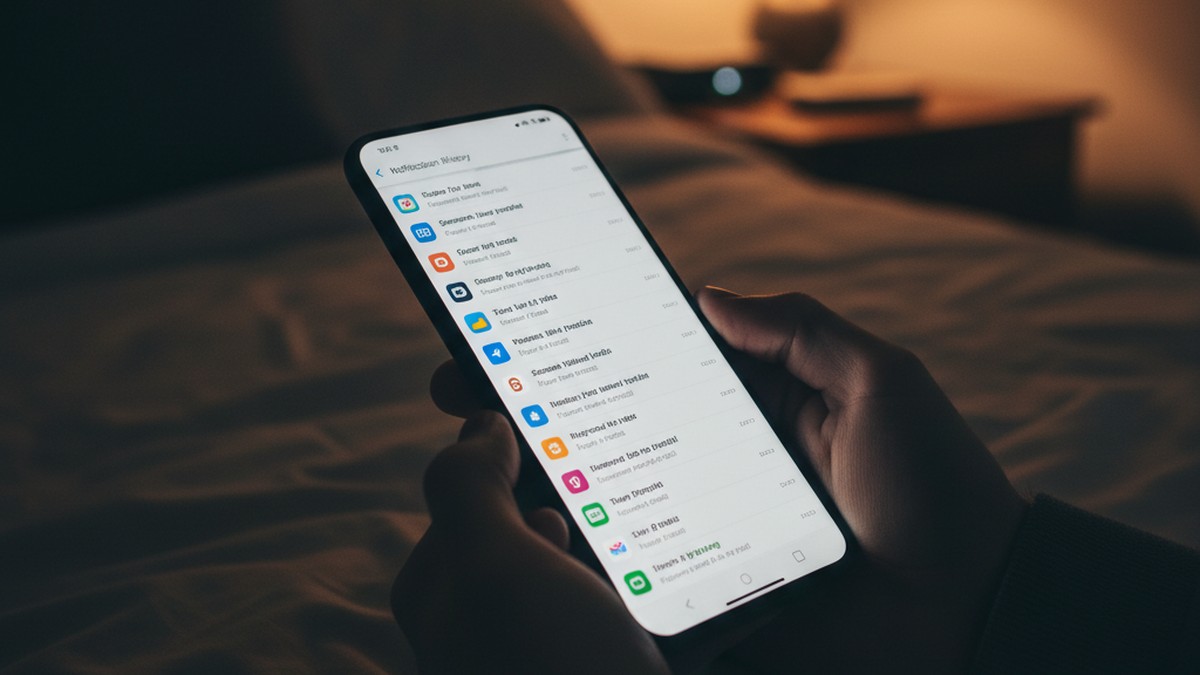
Android has a built-in notification log that records every notification received by the phone. This catches alerts from apps that are hidden, apps that run silently, and even apps whose notifications are typically dismissed immediately.
Step-by-Step Instructions
- Go to Settings
- Tap Notifications
- Tap Notification History
- Toggle it On if it is not already enabled
Once enabled, this log records every notification for the next 24 hours. If it was already enabled, you can scroll through past notifications immediately.
What to Look For
Scan the notification list for:
- App names you do not recognize
- Message preview text that looks like dating app notifications ("You have a new match," "Someone liked your profile," "New message from...")
- Generic app names that sent notification text inconsistent with their stated purpose (a "calculator" sending message notifications)
The Snoozed and Dismissed Tab
Some Android versions separate notifications into active, snoozed, and recently dismissed. Check all tabs. Dismissed notifications are the most telling — they show what the user saw and deliberately cleared.
Alternative Access Method: Notification Log Widget
On many Android devices, you can access a more detailed notification log through a hidden settings shortcut:
- Long-press an empty area on the home screen
- Select Widgets
- Find the Settings widget (or Settings shortcut)
- Select Notification Log from the list
This widget provides a more complete log than the standard Notification History screen. It often retains notifications beyond the 24-hour window and includes system-level notifications that the standard view filters out.
Notification Channels to Watch
Android lets apps create separate notification "channels" — categories like messages, matches, promotions, and reminders. A dating app may have its main notifications silenced, but promotional channels like "New people near you" or "Weekly picks" could still be sending alerts. Check Settings > Apps > [App Name] > Notifications to see all active channels for any suspicious app.
Limitations
Notification history only covers the last 24 hours by default, and it must be toggled on to start recording. If it was not previously enabled, you will not see historical data — only new notifications going forward. Apps inside a locked Private Space do not generate visible notifications. Some users also disable notifications entirely for dating apps, which means this method catches nothing — use Digital Wellbeing or Google Play history as a fallback.
This method pairs well with checking for signs of cheating on a phone, where sudden changes in notification behavior are a common red flag.
Method 6 — Search with a File Manager
A file manager app can reveal hidden files and folders that dating apps leave behind, even after the app itself is uninstalled. This is an advanced method but catches traces that other methods miss.
Step-by-Step Instructions
- Open the default Files app (or install a file manager like Files by Google or Solid Explorer)
- If using a third-party file manager, go to Settings within the app and enable Show Hidden Files
- Browse to the Internal Storage root directory
- Look for folders with dating app names
Folders to Search For
Dating apps create folders in the internal storage for cached images, downloads, and user data. Even after uninstalling, these folders sometimes remain:
/Android/data/com.tinder//Android/data/com.bumble.app//Android/data/co.hinge.app//Android/data/com.grindr.android//Android/data/com.okcupid.okcupid//Android/data/com.coffee_meets_bagel/
Also look in the Downloads folder for APK files. If someone sideloaded a dating app, the installation file may still be in Downloads.
Hidden Files and Folders
On Android, files and folders that start with a period (.) are hidden by default. Enable "Show hidden files" in your file manager and look for any .folders that correspond to app names or contain images that look like dating profile photos.
Limitations
Starting with Android 11, Google restricted access to other apps' data folders. The /Android/data/ directory is not accessible through standard file managers without root access. You can still check the root of internal storage, the Downloads folder, and any folders created outside the protected /Android/data/ path.
This approach is more technical than others, but it catches evidence that simply uninstalling an app does not erase. For a broader overview of all phone-based detection methods, see our guide on how to catch a cheater.
Method 7 — Check Battery and Data Usage
Dating apps consume battery and mobile data, especially when running in the background with location services. These usage patterns are logged by Android and cannot be easily hidden.
Check Battery Usage
- Go to Settings
- Tap Battery
- Tap Battery Usage (or View Detailed Usage)
- Review the list of apps sorted by battery consumption
An app you do not recognize that ranks in the top 10 for battery consumption warrants investigation. Dating apps that use GPS for location-based matching tend to consume above-average battery.
Check Data Usage
- Go to Settings
- Tap Network & Internet (or Connections on Samsung)
- Tap Mobile Data Usage (or Data Usage)
- Scroll through the per-app breakdown
Dating apps transfer profile images, messages, and location data. An unfamiliar app consuming 50-200 MB of mobile data per month is consistent with regular dating app usage. Compare this against the app's stated purpose — a simple calculator should use zero mobile data.
Check Wi-Fi Data Usage
Repeat the process for Wi-Fi data by selecting the Wi-Fi tab if available. Some users only open dating apps on Wi-Fi to avoid the cellular data trail, but Android tracks Wi-Fi usage separately.
Background Data
Pay attention to the "Background" data column. Dating apps need background data to receive push notifications about new matches and messages. An app consuming background data when it is supposedly never opened is a red flag.
Location Permissions as a Clue
Most dating apps require location access to show nearby matches. Go to Settings > Location > App Permissions and check which apps have "Allow all the time" or "Allow only while using the app" location access. A utility app with constant location access — particularly one you do not recognize — may be a dating app in disguise.
You can also check Settings > Location > Recent Access to see which apps have requested location data recently. Dating apps that run location checks every few hours create a visible pattern here, even if the app itself is hidden from the app drawer.
Interpreting the Numbers
Here is a rough benchmark for typical dating app resource usage:
| Metric | Light Usage | Active Usage | Heavy Usage |
|---|---|---|---|
| Battery per day | 1-3% | 4-8% | 9%+ |
| Mobile data per month | 20-50 MB | 100-300 MB | 500 MB+ |
| Background data per month | 5-15 MB | 20-50 MB | 75 MB+ |
These numbers vary by app, but they give you a baseline for comparison. If an app you do not recognize falls into the "active" or "heavy" range, it warrants a closer look.
This method complements checking the signs your boyfriend is on dating apps — behavioral patterns combined with technical evidence give you a clearer picture.
Method 8 — Look for Disguised and Vault Apps
This is one of the most important methods. Many people who hide dating apps do not just move them out of the app drawer. They use disguised apps that are built specifically to look like something innocent.
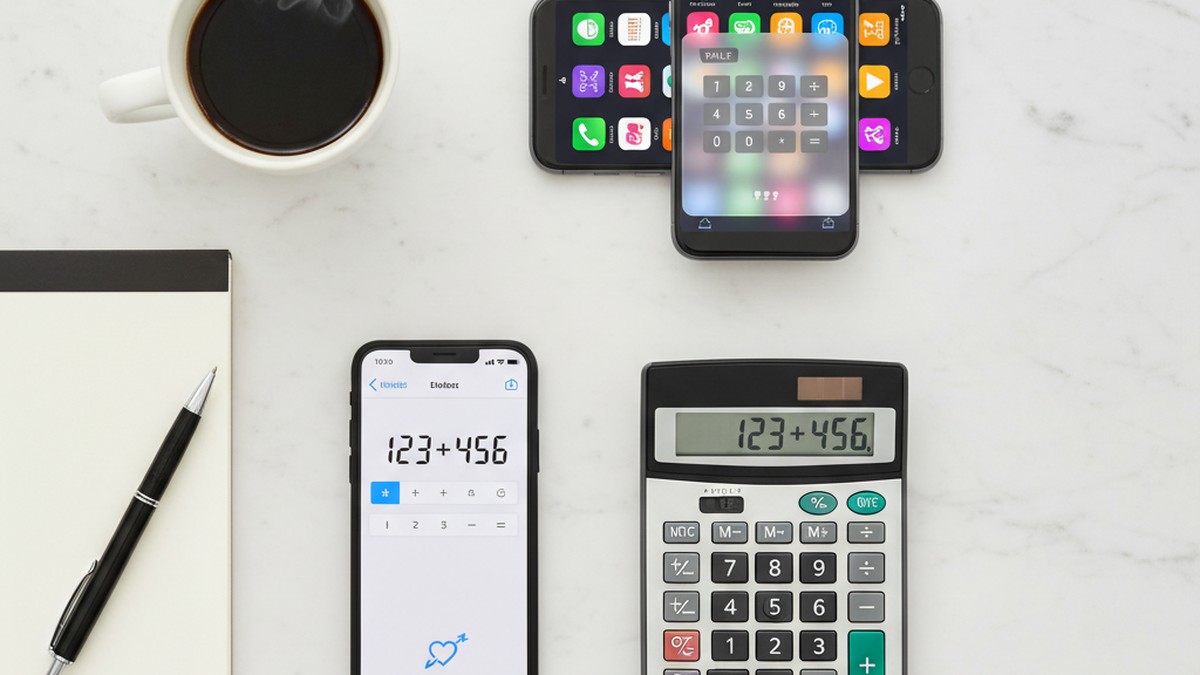
Calculator Vault Apps
Calculator vault apps are the most common disguise. They look and function like a standard calculator on the surface. But entering a specific PIN or code opens a hidden vault containing secret apps, photos, videos, and browser history.
Common calculator vault apps include:
- Calculator Vault — App Hider
- Calculator Lock (HideU)
- Calculator+ (Private Photo & Video Vault)
- Smart Hide Calculator
These apps appear in the app drawer with a calculator icon and function as real calculators for basic math. The average user — or a partner glancing at the phone — would never suspect them.
How to Identify Fake Calculator Apps
Look for these red flags:
- Multiple calculator apps — most Android phones ship with one calculator. Two or more is suspicious.
- Storage size — a real calculator uses less than 10 MB. A calculator vault uses 50-200 MB. Check in Settings > Apps.
- Permissions — a real calculator needs no special permissions. A vault app requests camera access, storage access, internet access, and sometimes location services. Check the app's permissions in Settings > Apps > [App Name] > Permissions.
- Developer name — search the developer name in the Play Store. If their other apps are all privacy tools and vault apps, the "calculator" is not a calculator.
Other Common Disguises
Calculator apps are not the only disguise. Watch for apps that look like:
- Note-taking apps with vault features (Private Notepad, Secret Notes)
- Music players that are actually hidden browsers
- Weather apps with suspiciously large file sizes
- File manager apps with vault capabilities
- Clock or alarm apps that request internet and camera permissions
We maintain a full list of apps cheaters commonly use, including those designed specifically to hide dating activity. Our guide on cheating apps disguised as games also covers apps that mimic gaming interfaces.
How to Test a Suspicious App
If you find a suspicious app, open it and look for:
- A secondary login screen or PIN prompt
- A long-press gesture that opens a different interface
- A settings menu with options like "Decoy Password" or "Intruder Alert"
- Storage usage that does not match the app's stated purpose
Method 9 — Check Google Account and Saved Passwords
A person's Google account stores a significant amount of data that can reveal dating app usage, even if the app itself is gone from the phone.
Google Saved Passwords
- Open Chrome on the Android phone
- Tap the three-dot menu > Settings > Password Manager
- Or visit passwords.google.com in any browser
- Scroll through the list of saved credentials
If there are saved logins for tinder.com, bumble.com, hinge.co, match.com, ashleymadison.com, or any other dating platform, the user had an account. This works even if the app was never installed — it catches web-based dating site usage too.
Google Search History
Check the Google account search history at myactivity.google.com. Look for searches related to dating apps, dating sites, or specific people. This history is tied to the Google account, not the device, so it persists across phone changes and app deletions.
Gmail Search
Open Gmail and search for:
- "Tinder" or "Bumble" or "Hinge" (account confirmations, match notifications)
- "Your match" or "New match" or "Someone liked you"
- "subscription" or "receipt" combined with dating app names
- "Verify your email" from dating platforms
Email confirmations are one of the most overlooked sources of evidence. Dating apps send verification emails when accounts are created, notification emails for matches and messages, and subscription receipts for premium features.
Google Pay / Google Wallet
Check Google Pay (or Google Wallet) transaction history for payments to dating apps. In-app purchases, subscription payments, and premium upgrades all generate transaction records here.
For a method that does not require device access at all, you can check if your partner is on dating sites using their name or email address.
Method 10 — Use a Dating Profile Search Tool
Every method above requires access to the Android phone. If you do not have access, or if you want to verify what you found, an online dating profile search covers ground that phone searches cannot.
How Profile Search Tools Work
Dating profile search tools scan active dating platforms using identifying information — a name, email address, or phone number. They check whether profiles exist on platforms like Tinder, Bumble, Hinge, Match, OkCupid, Plenty of Fish, and others.
This approach finds profiles that a phone search might miss:
- Profiles accessed only through a web browser (no app installed)
- Profiles on a second phone or device you do not have access to
- Profiles created with a different email or phone number
- Profiles that were active but the app was deleted and all traces cleared
When to Use This Method
This method is most useful when:
- You do not have physical access to the phone
- You found evidence from other methods and want confirmation
- You want to check multiple dating platforms at once
- You have already looked at the phone and found nothing, but your suspicion remains
Research suggests that when women suspect infidelity, their instincts are accurate roughly 85% of the time (South Denver Therapy, citing infidelity research data). If your gut feeling about cheating persists after checking the phone, a profile search provides an independent verification path.
CheatScanX scans 15+ dating apps and sites using just a name, email, or phone number. Results are delivered in minutes. No phone access required, no app to install, and the person being searched is never notified.
Common Mistakes When Searching for Hidden Apps
We see these errors repeatedly. Avoiding them saves time and prevents false conclusions.
Mistake 1: Only Checking the App Drawer
The app drawer is the most obvious place to look, and it is also the first place someone will hide an app from. If your entire search starts and ends with scrolling the app drawer, you will miss apps hidden through Settings, Secure Folder, Private Space, and third-party launchers.
Mistake 2: Assuming Uninstalled Means Gone
Uninstalling a dating app does not remove it from Google Play history, does not cancel active subscriptions, does not delete email confirmations, and does not erase Digital Wellbeing usage data. Multiple methods above catch evidence from apps that are no longer installed.
Mistake 3: Ignoring Disguised Apps
If you are only looking for apps named "Tinder" or "Bumble," you will miss the calculator vaults, fake utilities, and renamed apps that people specifically use to avoid detection. Method 8 above covers these in detail.
Mistake 4: Not Checking the Google Account
The phone is one data source. The Google account is another. Saved passwords, email confirmations, search history, and payment records all exist at the account level. A factory-reset phone still has all of this data tied to the Google account.
Mistake 5: Confronting Without Enough Evidence
Finding one piece of evidence — a dating app in the Play Store history, for example — does not tell the full story. The app might have been installed years ago while single. Build a complete picture using multiple methods before drawing conclusions.
For guidance on interpreting what you find, our article on what to do if your partner is on a dating app covers the next steps in detail.
What to Do If You Find a Hidden Dating App
Discovering a hidden dating app on your partner's phone is not the end of the process. What you do next matters.
Document What You Found
Take screenshots or write down exactly what you found, where you found it, and when. Note the app name, the method you used to find it, and any additional details like subscription status, usage time, or notification content.
Do this before saying anything. Evidence can be deleted quickly once someone knows you are looking. Our guide on how to catch a cheater online covers additional documentation strategies.
Consider the Context
Not every hidden dating app means active cheating. Consider:
- When was the app last used? Digital Wellbeing data or Google Play subscription status can tell you if usage is current or historical.
- Is the relationship status clear? If you have not had an explicit exclusivity conversation, the situation may be different from what you assume.
- Could there be a non-deceptive explanation? Some people keep dating apps for entertainment or ego validation without actively meeting people. This is still a boundary issue, but it is different from active infidelity.
Decide on Your Approach
You have several options:
- Confront directly with the evidence you have gathered
- Gather more evidence using a dating profile search by name or one of the best cheater finder apps to confirm active usage
- Seek professional guidance from a relationship counselor before confronting
- Consult a lawyer if you are married and considering legal action
If you are still unsure whether the behavior crosses a line, our guide on signs your wife is cheating on her phone and our article on how to find out if your partner is on dating apps provide additional frameworks.
Protect Yourself
If you believe active cheating is occurring:
- Get tested for STIs regardless of what your partner says
- Document financial transactions if joint accounts are involved
- Consider whether you need legal advice (especially in divorce situations)
- Reach out to a trusted friend, family member, or therapist for support
This is a difficult situation. Acting from a place of information rather than pure emotion leads to better outcomes.
Frequently Asked Questions
Yes. Open the Google Play Store, tap your profile icon, then Manage Apps & Device, and select the Manage tab. Switch the filter to "Not installed." This shows every app ever downloaded to that Google account, including apps that were installed and later deleted. You can also check Google Play purchase history for paid subscriptions tied to dating apps.
Hidden dating apps often disguise themselves as utility apps. Calculator vault apps look like standard calculators but unlock a hidden space when you enter a secret PIN. Other apps disguise themselves as note-taking tools, weather widgets, or file managers. Some dating apps also let users change the app icon to something generic from within the app settings.
Yes. Android 15 introduced Private Space, which creates an isolated, password-protected section in the app drawer. Apps installed there do not appear in the main app list, notifications, settings, or recent apps when Private Space is locked. Check for it by scrolling to the bottom of the app drawer and looking for a lock icon.
Go to Settings, then Notifications, then Notification History, and toggle it on if it is not already enabled. This log records every notification received in the last 24 hours, including from apps the user dismissed or deleted. Look for notifications from unfamiliar app names or apps with generic icons that could be disguised dating platforms.
Laws vary by jurisdiction. Generally, accessing someone else's phone without permission may violate wiretapping or computer fraud laws, even if you are married. In some states, evidence obtained this way is inadmissible in court. We recommend focusing on methods that do not require physical device access, such as online dating profile search tools that use publicly available data.