Something Feels Off — and You Can't Shake It
Your partner has started tilting their phone away when you walk into the room. The screen goes dark a little too quickly. Maybe you caught a glimpse of an unfamiliar app icon before it vanished behind a swipe. You are not paranoid. You are paying attention.
Hidden dating apps on a phone are one of the most common tools people use to carry on secret relationships. According to a 2025 survey compiled by Lazo, approximately 20% of married men and 13% of married women admit to extramarital affairs, and dating apps are the fastest-growing channel for starting them. A UK study of 2,000 people found that 68% of admitted cheaters used dating apps or social media to initiate their affairs.
The problem is that these apps are designed to stay invisible. Some disguise themselves as calculators or note-taking tools. Others are buried inside locked folders that require biometric authentication. And modern phone operating systems — especially iOS 18 — now include built-in features that make hiding apps easier than ever.
This guide breaks down every method people use to hide dating apps, and gives you clear, step-by-step instructions to find them on both iPhone and Android. You will also learn what to do once you have evidence — and what mistakes to avoid along the way.
CheatScanX scans all of these platforms — and more — in a single search. Enter a name, email, or phone number and get results in minutes.
Try a multi-platform searchHow Dating Apps Get Hidden in the First Place
Before you can find hidden dating apps on a phone, it helps to understand the methods people use to conceal them. There are five primary strategies, and many cheaters combine more than one.
Many of these hidden apps are specifically designed to look like games or utility apps, making them nearly impossible to spot at first glance.
Removing Apps from the Home Screen
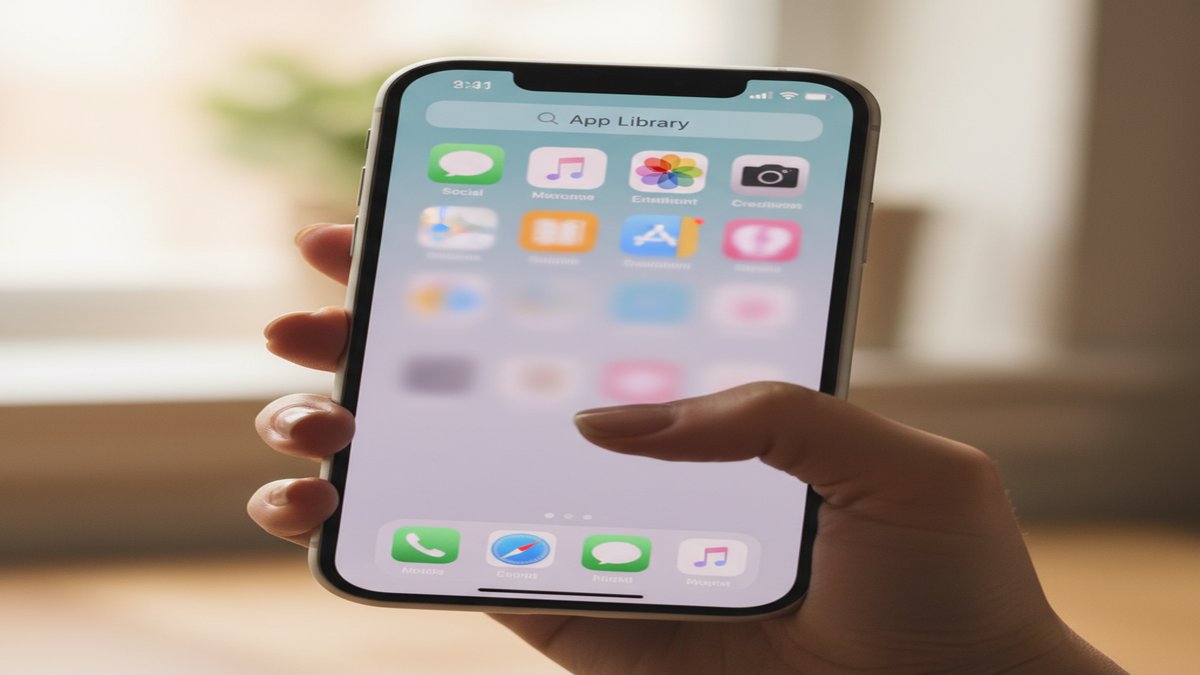
The simplest method is removing an app icon from the home screen without uninstalling it. On iPhone, a long-press and a tap on "Remove from Home Screen" makes the app invisible from the main view while keeping it fully functional in the App Library. On Android, most launchers let users drag an app off the home screen or disable it from the app drawer.
The app still runs in the background. It still receives notifications (unless those are turned off separately). It still appears in storage settings. But a casual glance at the phone reveals nothing.
Using the iOS 18 Hidden Folder
Apple introduced a dedicated Hidden folder in iOS 18 that moved concealment from a workaround to an official feature. When a user hides an app on an iPhone running iOS 18 or later, the app moves into a locked folder at the bottom of the App Library. Opening that folder requires Face ID, Touch ID, or the device passcode.
Hidden apps do not appear in Spotlight search results. They do not generate notifications. They do not show up in Screen Time reports under their real name. For someone trying to keep a dating profile secret, this is an almost purpose-built solution.
Burying Apps in Folders
A low-tech but effective strategy is nesting an app deep inside folders. A user might create a folder called "Utilities" or "Work Tools" and place the dating app on the second or third page of that folder. Most people never swipe past the first page of any folder, so the app sits unnoticed.
Some users go further by renaming folders to mundane labels like "Finance" or "Health" to discourage anyone from opening them. On Android, certain launchers allow custom icons, so a Tinder app can wear the icon of a stock ticker or weather widget.
Turning Off Notifications
Even a well-hidden app can betray itself with a single push notification. A message reading "You have a new match!" appearing on a lock screen is hard to explain away. Experienced users disable all notifications for dating apps, including banners, sounds, badges, and lock screen previews.
On iPhone, this is done through Settings > Notifications, where each app can be individually silenced. On Android, the path is Settings > Apps > [App Name] > Notifications. With notifications off, the app produces zero outward signs of activity unless it is physically opened.
Using a Second Device or Profile
Some people maintain a separate phone, tablet, or even a secondary user profile exclusively for dating apps. Android supports multiple user profiles natively, and each profile has its own app drawer, accounts, and notification stream. A secondary profile can contain Tinder, Bumble, and Hinge while the primary profile shows nothing.
A burner phone bought with cash and maintained on a prepaid plan is harder to detect, but it also creates its own red flags — unexplained charges, a device hidden in a car or drawer, or a partner who insists on keeping a bag or jacket unusually close.
Vault Apps and Disguised Dating Apps: The Biggest Threat
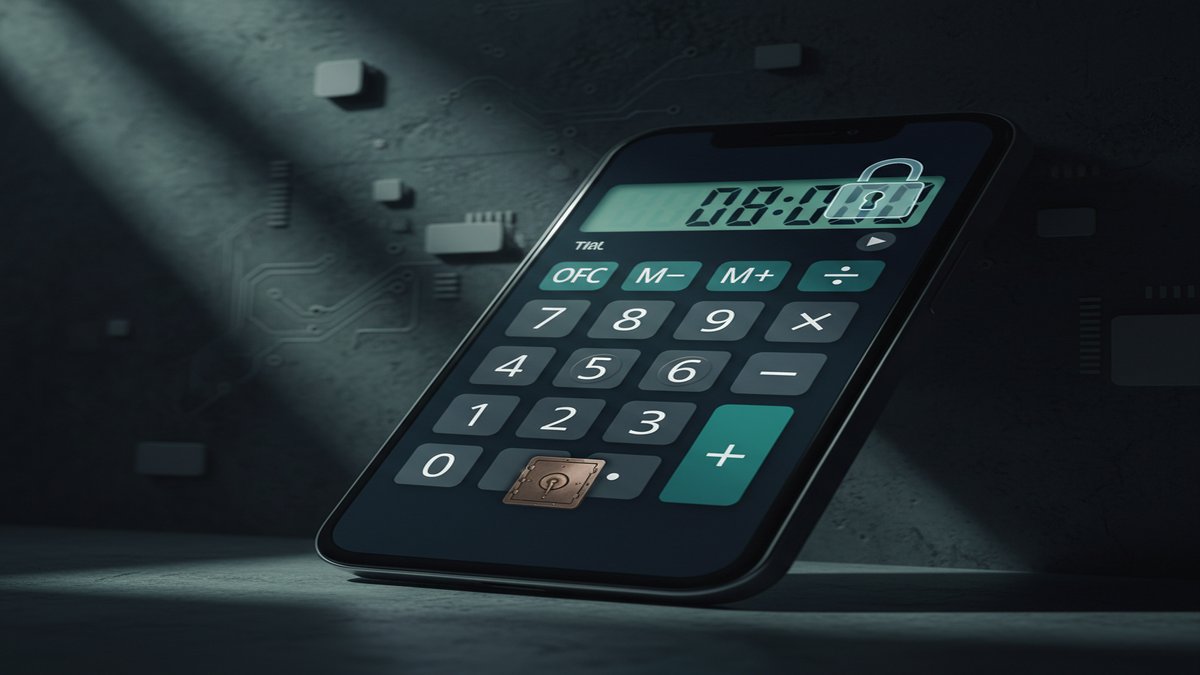
The most sophisticated concealment tool is the vault app — an application that looks like an ordinary utility but hides a secret compartment behind a password or code. These apps represent a serious challenge because they are specifically designed to fool anyone who picks up the phone.
What Vault Apps Look Like
Vault apps most commonly disguise themselves as calculators. They display a fully functional calculator interface, complete with scientific functions. But when a specific code is entered — such as a sequence of numbers followed by the equals sign — the app opens a hidden space.
That hidden space can contain photos, videos, contacts, a private browser, and even other apps. Some vault apps function as self-contained dating platforms with built-in messaging.
Common Vault and Disguised Apps to Watch For
Here are the most widely used vault and disguised apps as of 2025:
- Calculator Pro+: Functions as a real scientific calculator. Entering a preset number sequence unlocks encrypted photo galleries, private messaging, hidden contact lists, and secure document storage. It is one of the most downloaded vault apps on both iOS and Android.
- KYMS (Keep Your Media Safe): Follows the Calculator Pro+ model but adds break-in alerts that photograph anyone who enters the wrong password. It supports decoy passwords that reveal fake, innocent content, and can maintain multiple separate vaults, each with a unique password.
- Calculator Vault - App Hider: Available on Google Play, this app hides other apps behind a calculator interface. It can clone apps like Tinder or Bumble so they run inside the vault without appearing in the regular app drawer.
- Hide My Text: Disguises itself as a note-taking app but contains encrypted messaging features.
- NetSfere / CoverMe: Encrypted messaging platforms that offer "vanishing messages" and private vaults for media storage.
- Desire: Appears to be a couples' challenge game but includes private messaging features that are not visible from the main interface.
- Undercover: Marketed as a party game app. Its secondary function is private, anonymous messaging.
How to Spot a Vault App
Look for these red flags:
- Duplicate utility apps. Two calculator apps on the same phone is unusual. Ask yourself why someone would need a second calculator when every phone ships with one built in.
- Suspicious permissions. A calculator that requests access to the camera, microphone, contacts, or location is almost certainly not a calculator. Check the app's permissions in Settings.
- Unusual file size. A genuine calculator app is typically under 10 MB. A vault app disguised as a calculator may be 50-200 MB because it contains encryption engines, media storage, and messaging infrastructure.
- App Store reviews. Search the app's name in the App Store or Google Play. Read the reviews. Vault apps often have reviews that reference "hiding photos" or "keeping things private," which reveal their true purpose.
- Battery and data usage. A real calculator uses almost no battery or mobile data. If a calculator app appears in the battery usage or mobile data statistics, it is doing far more than arithmetic.
For a full list of apps cheaters use, including messaging platforms and social media workarounds, see our detailed breakdown.
How to Find Hidden Dating Apps on iPhone: Step-by-Step
The iPhone has become the preferred device for hiding apps thanks to its tight integration between hardware and software security. Here are the specific methods to check, ordered from simplest to most thorough.
If you suspect your wife may be using these hidden apps, see our step-by-step guide: Is my wife on dating apps?
Method 1: Search the App Library
Even when an app is removed from the home screen, it still lives in the App Library unless it has been moved to the Hidden folder.
- Swipe left past all your home screen pages until you reach the App Library.
- Tap the search bar at the top of the App Library.
- Type the names of common dating apps: Tinder, Bumble, Hinge, Grindr, OkCupid, Plenty of Fish, Ashley Madison, Feeld, Facebook Dating.
- If the app appears in search results, it is installed on the device.
This method will not find apps that have been moved to the iOS 18 Hidden folder, because hidden apps are excluded from App Library search.
Method 2: Check the iOS 18 Hidden Folder
If the phone runs iOS 18 or later, there is a dedicated Hidden folder.
- Swipe left to the App Library.
- Scroll to the very bottom of the App Library screen.
- Look for a folder labeled "Hidden."
- Tap it. The phone will prompt for Face ID, Touch ID, or the passcode.
If you have authorized access to the device and can authenticate, this folder will reveal every app the user has deliberately hidden. If the folder exists and contains apps, someone took intentional steps to conceal them.
Method 3: Review iPhone Storage
Every installed app, hidden or not, appears in the iPhone Storage list.
- Open Settings.
- Tap General.
- Tap iPhone Storage.
- Wait for the list to fully load (this can take 30 seconds on a phone with many apps).
- Scroll through the complete list. Apps are sorted by size, but you can scan for familiar dating app names or unfamiliar apps with large file sizes.
This is one of the most reliable methods because it cannot be bypassed without uninstalling the app entirely.
Method 4: Check App Store Purchase History
Even if a dating app has been deleted, the App Store remembers it.
- Open the App Store.
- Tap your profile icon (or your photo) in the top-right corner.
- Tap Purchased (or on newer versions, tap your name, then scroll to Purchase History).
- Browse the list of all apps ever downloaded on this Apple ID.
Apple does not allow users to permanently erase purchase records. However, apps can be hidden from the Purchased list. To check for hidden purchases:
- Go to Settings.
- Tap your Apple ID at the top.
- Tap Media & Purchases.
- Tap View Account.
- Scroll to Hidden Purchases and tap it.
This section shows every app that was deliberately hidden from the main purchase list — a strong indicator of intentional concealment.
Method 5: Examine Screen Time Data
Screen Time tracks app usage even when the user does not realize it.
- Open Settings.
- Tap Screen Time.
- Tap See All App & Website Activity.
- Review the daily and weekly usage graphs.
Look for apps you do not recognize, or for categories like "Social Networking" or "Lifestyle" with unexpectedly high usage. However, note that apps in the iOS 18 Hidden folder may not report Screen Time data under their real names, which is a limitation Apple introduced with the privacy features.
Method 6: Check Siri Suggestions and Spotlight
Siri tracks app usage patterns and surfaces frequently used apps in suggestions. If Siri suggests a dating app — even briefly — it means the app has been used recently.
- Swipe down from the middle of the home screen to open Spotlight.
- Before typing anything, look at the Siri Suggestions row.
- Also try typing partial names: "Tin," "Bum," "Hin," "Ash," "Gri."
If Siri Suggestions have been turned off for specific apps, that itself is notable. Go to Settings > Siri & Search and scroll through the app list. An app with all Siri features disabled was deliberately configured that way.
How to Find Hidden Dating Apps on Android: Step-by-Step
Android's open architecture provides more hiding options but also more detection methods. Here is how to conduct a thorough check.
Method 1: Check All Apps in Settings
The Settings menu shows every app on the device, regardless of whether it appears in the app drawer.
- Open Settings.
- Tap Apps (or Applications on some devices).
- Tap See All Apps or All Apps.
- Scroll through the entire list. Look for dating app names, unfamiliar apps, or apps with generic names like "System Service," "Media Provider," or "Cache Manager."
Pay special attention to apps with generic Android-style icons that you did not install. Vault apps often use names and icons that mimic system processes to avoid suspicion.
Method 2: Check the App Drawer for Hidden Apps
Many Android launchers (Samsung One UI, Nova Launcher, etc.) have built-in hide features.
On Samsung devices:
- Open the app drawer (swipe up from the home screen).
- Tap the three-dot menu in the top-right corner.
- Look for "Hide apps" or "Home screen settings."
- This screen shows which apps have been hidden from the drawer.
On stock Android or Pixel devices:
- Open the app drawer.
- If the phone uses a custom launcher, check the launcher's settings for a "Hidden apps" or "Protected apps" section.
Method 3: Review Google Play Purchase History
Like Apple, Google keeps a record of every app ever installed.
- Open the Google Play Store.
- Tap your profile icon in the top-right corner.
- Tap Manage Apps & Device.
- Switch to the Manage tab.
- Change the filter from Installed to Not Installed.
This list shows every app that was previously downloaded and then removed. Scan it for dating app names. The list cannot be cleared by the user.
Method 4: Check Data Usage by App
Hidden apps that send messages, load profiles, and download photos use mobile data. This usage is tracked even when the app is hidden from the home screen.
- Open Settings.
- Tap Network & Internet (or Connections on Samsung).
- Tap Mobile Data Usage or Data Usage.
- Review the list of apps sorted by data consumption.
A "calculator" or "note-taking" app consuming 500 MB of data per month is not doing math. This is one of the strongest indicators of a vault app.
Method 5: Use a Hidden App Detector
Android allows third-party tools that scan for hidden or disguised apps.
- Open the Google Play Store.
- Search for "Hidden Apps Detector."
- Install a reputable option (check reviews and download count).
- Run the scan.
These tools compare the apps listed in system settings against what appears in the app drawer and flag discrepancies. They can also identify apps that use misleading names or icons.
Method 6: Check Multiple User Profiles
Android supports multiple user profiles, and each one operates as a separate environment.
- Swipe down from the top of the screen to open Quick Settings.
- Tap the user icon (it looks like a person silhouette, usually near the settings gear).
- If you see more than one profile listed, the device has additional user accounts.
A secondary profile could contain an entirely separate set of apps, accounts, and data that are invisible from the primary profile.
Notification Clues That Reveal Hidden Dating Apps
Even with apps hidden and notifications minimized, small signals can slip through. Knowing what to look for turns passing moments into evidence.
Push Notification Reality
Here is a technical fact that matters: a phone cannot display a push notification from an app that is not installed. If you see a notification from Tinder, Hinge, Bumble, or any other platform — even for a split second — the app is on that device. There is no technical workaround. Web browser notifications from dating sites are the one exception, but these appear with the browser icon, not the dating app icon.
Notification Sounds
Each major dating app has a distinct notification sound. Tinder, Bumble, and Hinge all use unique alert tones. If you hear an unfamiliar sound that does not match any visible app, it may be coming from a hidden one. Several social media platforms have compiled audio comparisons of dating app notification sounds that you can listen to for reference.
Lock Screen Previews
Even when notification banners are turned off, some information can leak through. Look for:
- Brief banner flashes that disappear before you can read them (the user may have set notifications to "Deliver Quietly")
- Badge counts on the Settings app icon (on iPhone, a hidden app's notification can sometimes increment the Settings badge)
- Notification dots on Android app icons in the drawer, even for apps that are not on the home screen
Email Notifications as a Backdoor
Many dating apps send email confirmations, match alerts, and promotional messages. Even if app notifications are off, email notifications may still arrive. If your partner uses a shared email account, or if you have authorized access, search the email inbox for messages from:
- Tinder (@gotinder.com)
- Bumble (@team.bumble.com)
- Hinge (@hinge.co)
- OkCupid (@okcupid.com)
- Ashley Madison (@ashleymadison.com)
- Grindr (@grindr.com)
- Feeld (@feeld.co)
Marketing emails from these platforms confirm that an account exists, even if the app has been deleted from the phone.
Not sure if it is real suspicion or just anxiety?
Our 2-minute quiz scores 12 behavioral and digital red flags to tell you whether your concerns are justified.
Take the Free Cheating QuizScreen Time and Battery Data: The Numbers Don't Lie
Usage statistics are difficult to manipulate and offer some of the clearest evidence of hidden app activity.
iPhone Screen Time Analysis
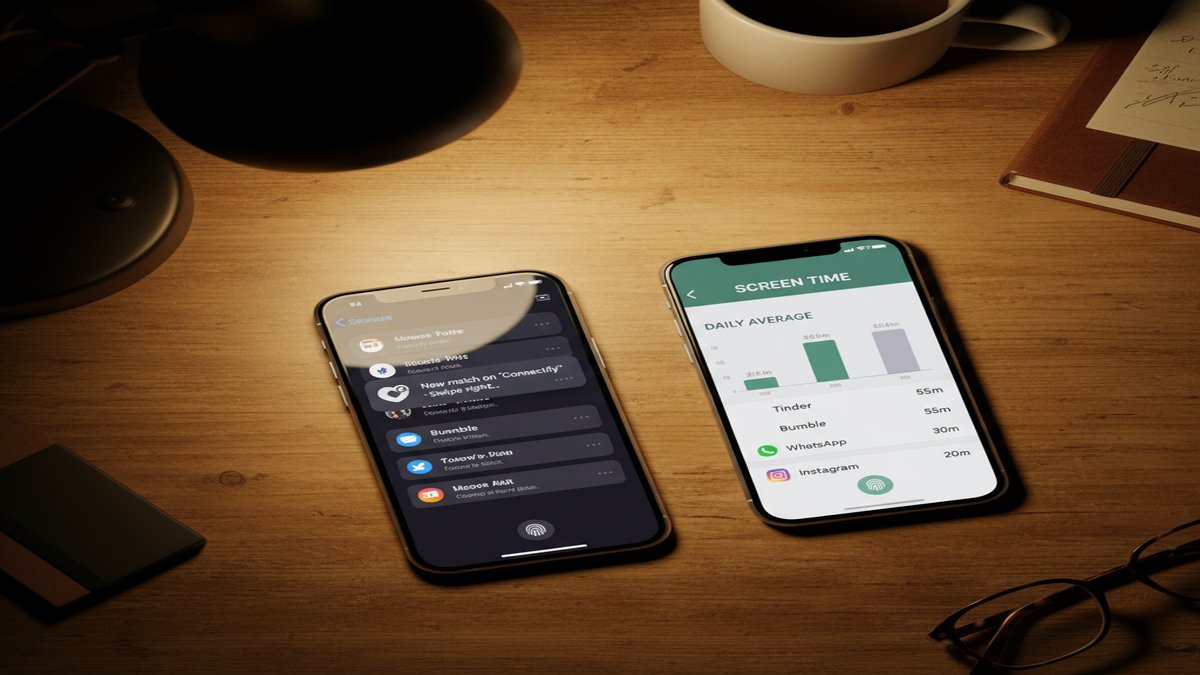
Screen Time on iPhone tracks every minute of app usage, organized by category. Even if you do not recognize an app by name, you can identify suspicious patterns.
- Open Settings > Screen Time > See All App & Website Activity.
- Look at the Social Networking and Lifestyle categories. Dating apps fall into one of these two.
- Note any apps with significant daily usage (15+ minutes) that you do not recognize.
- Tap individual apps to see when they were used. Late-night usage of an unknown social app is a meaningful data point.
Android Digital Wellbeing
Android's equivalent feature is Digital Wellbeing.
- Open Settings > Digital Wellbeing & Parental Controls.
- Tap the Dashboard.
- Review app usage for the day and week.
- Look for unfamiliar apps with consistent usage patterns.
Battery Usage as a Detection Tool
Background activity drains battery, and this drainage is logged.
- On iPhone: Settings > Battery. Scroll down to see battery usage by app over the last 24 hours or 10 days.
- On Android: Settings > Battery > Battery Usage.
Dating apps that run in the background to check for matches and messages consume noticeable battery. A "calculator" app using 3-5% of daily battery is performing tasks far beyond basic arithmetic. This discrepancy is one of the easiest red flags to identify.
Storage Size Anomalies
Check app storage sizes for anything unusual.
- On iPhone: Settings > General > iPhone Storage.
- On Android: Settings > Apps > [App Name] > Storage.
A vault app disguised as a simple utility will often consume 100 MB or more of storage due to cached photos, messages, and encrypted data. Compare the file size of the suspected app to the genuine version on the App Store or Google Play. If the installed version is significantly larger, it may contain hidden data.
What to Do When You Find Hidden Dating Apps
Finding a hidden dating app on your partner's phone is a moment of confirmation that brings both clarity and pain. What you do next matters for your emotional health, your relationship, and potentially your legal standing.
Pause Before Confronting
Relationship therapist Esther Perel, author of The State of Affairs: Rethinking Infidelity, has noted that the way a discovery is handled often shapes the outcome more than the infidelity itself. She identifies secrecy as the core element of an affair, stating that it is the secrecy that leads to the deception and the duplicity — not just the behavior.
Before confronting your partner, take these steps:
- Document what you found. Take screenshots or photos of the hidden apps, purchase history, screen time data, or notification evidence. Store this documentation somewhere your partner cannot access it.
- Note the date and time. If this information becomes relevant in legal proceedings (divorce, custody), a clear timeline matters.
- Do not delete or modify anything on their device. Tampering with someone's phone could create legal issues for you and destroy evidence that might be important later.
Seek Professional Support
Dr. John Gottman, co-founder of the Gottman Institute and researcher with over 40 years of study in relationship stability, has found that couples who address betrayal with professional guidance have significantly better outcomes than those who attempt to resolve it alone. His research shows that trust can be rebuilt, but it requires structured work — not just promises.
Consider reaching out to:
- A licensed couples therapist who specializes in infidelity recovery
- An individual therapist for your own emotional processing
- A family law attorney if you are married and considering your options
Understand the Legal Boundaries
Accessing someone's phone without their knowledge or consent can carry legal consequences. In most US states, unauthorized access to a password-protected device may violate the Computer Fraud and Abuse Act (CFAA) at the federal level, as well as state-level wiretapping and privacy laws. Even in a marriage, these protections typically apply.
If you are considering how to catch a cheater through digital means, consult an attorney first. Evidence obtained illegally may be inadmissible in court and could expose you to civil or criminal liability.
Have the Conversation
When you are ready to talk, focus on what you observed rather than accusations:
- "I noticed [specific app] in your phone storage. Can you tell me about it?"
- "I saw a notification from [platform name]. I want to understand what's going on."
- "I found [app name] in your purchase history. I think we need to talk about this."
This approach is more productive than an ambush. It presents facts and invites a response, which gives you more information regardless of whether your partner is truthful.
Common Mistakes to Avoid
When emotions run high, people make decisions that backfire. Here are the most frequent mistakes and how to sidestep them.
Installing Spy Software
It is tempting to install monitoring software on your partner's phone to track their activity in real time. This is almost always a mistake.
- It is likely illegal. Installing software on someone else's device without consent violates federal and state laws in most jurisdictions.
- It can shift the narrative. If your partner discovers the spy software, the conversation shifts from their behavior to your surveillance. Suddenly you are the one defending your actions.
- It may invalidate evidence. Information obtained through illegal surveillance is generally inadmissible in court.
Confronting Without Evidence
Asking "Are you on Tinder?" without proof gives your partner the opportunity to delete apps, clear history, and cover tracks. If you suspect hidden dating apps, gather documentation first, then have the conversation.
Ignoring Red Flags Beyond Apps
Hidden dating apps rarely exist in isolation. Look at the broader pattern: changes in schedule, new grooming habits, emotional withdrawal, unexplained expenses, a sudden interest in privacy that did not exist before. For a complete breakdown, read our guide on signs your husband is cheating on his phone.
Assuming One App Tells the Full Story
Finding Tinder on a partner's phone does not tell you what other platforms they use. Many people maintain profiles on multiple services simultaneously. If you want to find out if your boyfriend is on Tinder, that is a reasonable starting point — but it should not be the stopping point.
A more thorough approach checks multiple platforms at once. This is what services like CheatScanX and other CheatBuster alternatives are designed to do: run a single search across dozens of dating platforms to give you a complete picture.
The Psychology Behind App Hiding
Understanding why people hide dating apps can help you process what you find and make clearer decisions about your next steps.
Compartmentalization
Psychologists describe compartmentalization as the ability to separate conflicting thoughts, emotions, or behaviors into distinct mental categories. A person can genuinely love their partner and simultaneously maintain a hidden dating profile. This is not a contradiction in their mind — it is two separate "compartments" that do not interact.
This is why confrontation often produces genuine-seeming confusion or denial. The person may not have fully integrated their secret behavior with their identity as a committed partner.
The Escalation Pattern
Research into online infidelity suggests that hidden app use follows a predictable pattern:
- Curiosity: Downloading an app "just to see" who is out there, with no intention to act.
- Engagement: Creating a profile, browsing matches, feeling the dopamine hit of external validation.
- Active use: Messaging matches, moving conversations to encrypted platforms.
- Physical meetings: Transitioning from digital to in-person encounters.
An NBC News report on a study published in 2023 found that a large share of dating app users were not actively seeking dates — they were seeking validation. That does not minimize the betrayal, but it can inform how you approach the conversation.
Secrecy as the Core Issue
According to psychotherapist and relationship researcher Esther Perel, the most damaging element of an affair is not the sexual or emotional behavior itself — it is the secrecy system that surrounds it. Secrecy transforms ambiguous behavior into betrayal. A hidden dating app is not just an app; it is a deliberate decision to create and maintain a secret life.
This is why discovering a hidden dating app feels so destabilizing. It is not just about the app. It is about the realization that your partner built a system designed to deceive you.
How to Protect Yourself Going Forward
Whether you choose to work on the relationship or leave it, these steps help you protect your emotional and digital well-being.
Establish Digital Transparency Agreements
If you and your partner decide to rebuild trust, couples therapists recommend formal transparency agreements. These are not about surveillance — they are about rebuilding safety. Common elements include:
- Open access to devices and accounts (mutually, not one-sided)
- Regular check-ins about online activity
- Agreement to immediately disclose if an old contact reaches out
- Joint Screen Time or Digital Wellbeing reviews
Monitor Shared Accounts
If you share an Apple ID, Google account, or family plan, monitor the shared purchase history and app installation notifications. Family Sharing on Apple and Google Family Link both provide visibility into app downloads across linked accounts.
Conduct Periodic Searches
Hidden dating profiles do not always live on a phone. Many dating services are accessible through a web browser with no app download required. Periodic searches using your partner's name, email address, or phone number across dating platforms can reveal active profiles that leave no trace on a device.
This is where a multi-platform search tool becomes practical. Rather than manually checking dozens of sites, a single search can scan Tinder, Bumble, Hinge, Ashley Madison, and many other platforms simultaneously.
Trust Your Instincts
Research consistently shows that the gut feeling that something is wrong is accurate more often than not. A 2020 study published in the Journal of Social and Personal Relationships found that partners who suspected infidelity were correct approximately 80% of the time. If something feels off, it is worth investigating — carefully and within legal boundaries.
Frequently Asked Questions
Yes. Both iPhone and Android allow users to remove apps from the home screen while keeping them installed. iOS 18 introduced a dedicated Hidden folder in the App Library that requires Face ID or a passcode to open. Android users can disable apps or use third-party launchers to make apps invisible from the main drawer.
Vault apps typically disguise themselves as calculators, note-taking tools, or file managers. Look for duplicate utility apps, such as two calculator icons on the same phone. A calculator that requests camera or microphone permissions is a strong red flag. Common examples include Calculator Pro+, KYMS, and Hide My Text.
Yes. On iPhone, go to Settings, tap your Apple ID, then Media and Purchases, and view Purchase History. On Android, open Google Play, tap your profile icon, then Manage Apps and Device, and check the Not Installed tab. Both show previously downloaded apps, even if they were deleted.
A phone cannot display push notifications for an app that is not installed. If you see a notification from Tinder, Hinge, Bumble, or any dating platform, the app is currently on the device. Some users turn off notifications to avoid detection, so the absence of notifications does not guarantee no dating apps are present.
Laws vary by jurisdiction. In most US states, accessing someone's phone without permission can violate federal wiretapping and computer fraud laws. Even in a marriage, unauthorized access to a password-protected device may carry legal consequences. Consult a local attorney before taking any action that could affect legal proceedings.